current location : Home » categoires :
What Is CAD/CAM in Stone Processing
What Is CAD/CAM in Stone Processing
In today’s competitive stone industry, precision, efficiency, and automation are no longer optional—they are essential. Technologies like CAD and CAM have become the backbone of modern stone processing, enabling manufacturers to produce complex designs with high accuracy and consistency.
This article explains what CAD/CAM is, how it works in stone processing, and why it is critical for businesses using CNC stone machines.
1. What Is CAD/CAM?
CAD (Computer-Aided Design) and CAM (Computer-Aided Manufacturing) are two integrated technologies used to design and manufacture products digitally.
- CAD: Used to create detailed 2D drawings or 3D models of stone products
- CAM: Converts those designs into machine instructions (G-code) for CNC machines
Simple Workflow:
- Design the product in CAD software
- Import the design into CAM software
- Generate toolpaths and machining strategies
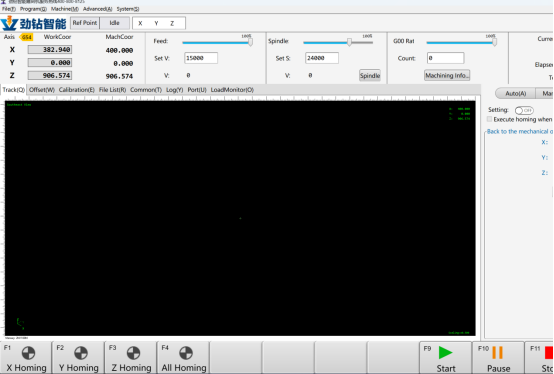
- Execute the process on CNC stone machines
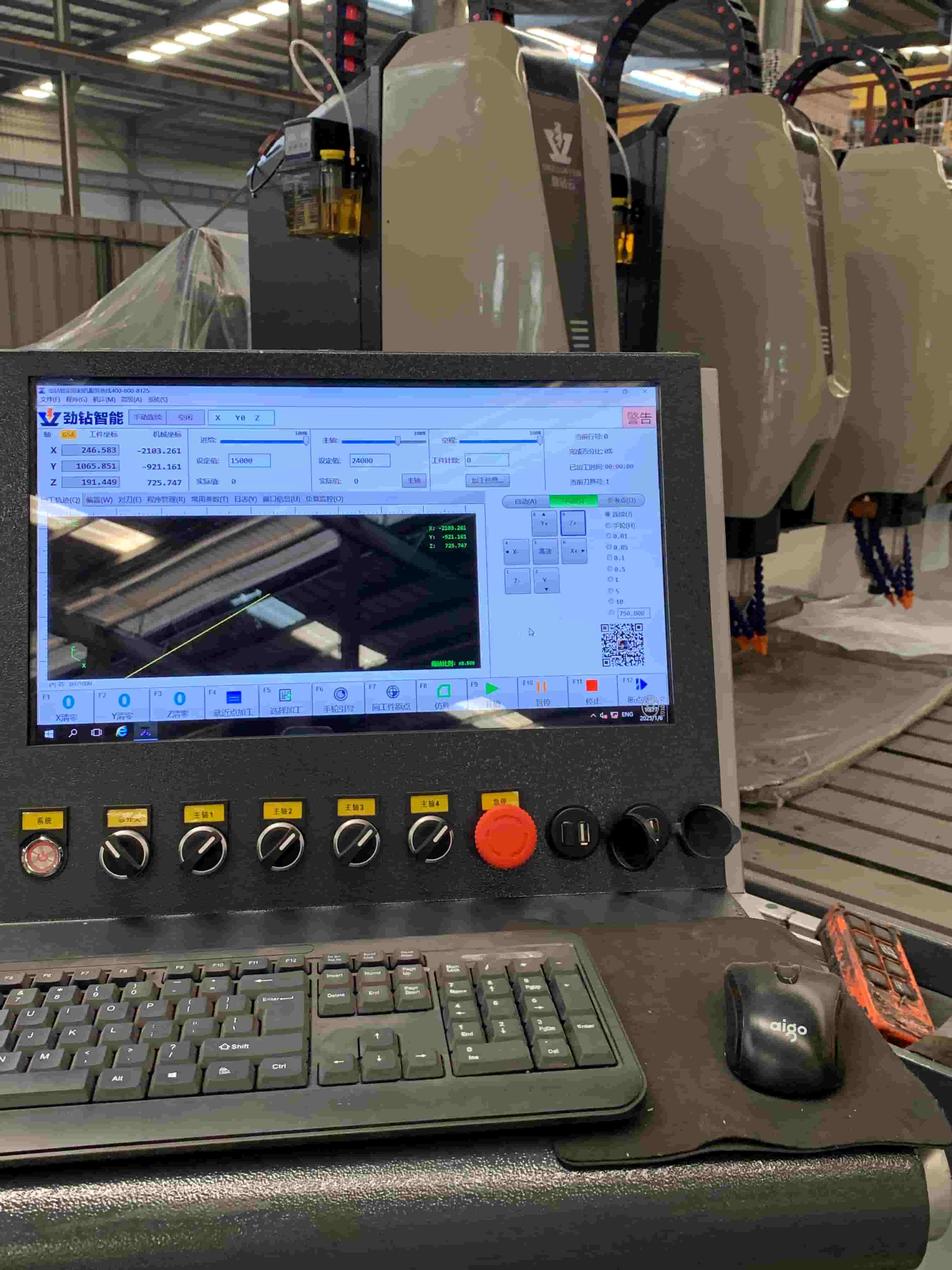
2. How CAD/CAM Works in Stone Processing
In stone fabrication, CAD/CAM connects design and production seamlessly.
Example Application Scenario
Imagine producing a custom marble countertop with an integrated sink:
- A designer creates a 3D model in CAD with exact dimensions and cutouts
- CAM software defines cutting paths, drilling positions, and polishing sequences
- A CNC bridge saw or 5-axis machine executes the job automatically
Result:
Even after continuous 48–72 hours of operation, the machine can maintain ±0.1 mm precision, ensuring perfect edge alignment and seamless sink integration.
3. Key Applications of CAD/CAM in Stone Industry
3.1 CNC Stone Cutting
- Bridge saws cut slabs into precise shapes
- Optimized nesting reduces material waste
3.2 Stone Engraving & Carving
3-axis and 5-axis CNC machines create:
- Tombstones
- Relief carvings
- 3D sculptures
3.3 Edge Profiling & Polishing
Automatic generation of toolpaths for:
- Bullnose edges
- Beveled finishes
- Decorative profiles
3.4 Complex 3D Stone Products
- Statues, columns, and architectural elements
- Multi-axis robotic arms execute intricate designs
4. CAD/CAM vs Traditional Stone Processing
| Aspect | Traditional Method | CAD/CAM Method |
|---|---|---|
| Accuracy | Depends on worker skill | High precision (±0.1 mm or better) |
| Efficiency | Manual, time-consuming | Automated, faster production |
| Complexity | Limited designs | Complex 3D geometries possible |
| Material Waste | Higher | Optimized cutting paths |
| Consistency | Variable | Repeatable quality |
Conclusion: CAD/CAM significantly improves both productivity and product quality.
5. CAD/CAM Software Commonly Used in Stone Industry
Some widely used solutions include:
- AlphaCAM – Known for user-friendly interface and stone-specific modules
- SprutCAM – Popular for multi-axis and robotic arm programming
- AutoCAD – Used for basic 2D drafting
- Fusion 360 – Integrated CAD/CAM platform
Comparison Insight:
- AlphaCAM → Better for standard stone cutting and engraving
- SprutCAM → Stronger in 7-axis robotic applications and complex toolpaths
If your business involves robotic stone carving, SprutCAM is usually the better choice.
6. Real Production Scenario
A stone factory producing granite tombstones implemented CAD/CAM with a 3-axis CNC machine:
- Production time reduced from 6 hours → 2.5 hours per piece
- Labor cost decreased by 40%
- Defect rate dropped below 2%
- Machine maintained stable performance under continuous multi-shift operation
This kind of data-driven improvement is exactly what modern buyers—and search engines—look for.
7. How to Choose the Right CAD/CAM System
When selecting a solution, consider:
7.1 Machine Compatibility
Ensure software supports:
- 3-axis / 5-axis CNC machines
- Bridge saws
- Robotic arms
7.2 Ease of Use
Intuitive interface reduces training time
7.3 Post-Processor Support
Must match your machine controller
7.4 Application Match
- Cutting → Simple CAM tools
- Sculptures → Advanced multi-axis CAM
8. Common Buyer Questions
Q1: Is CAD/CAM necessary for small stone workshops?
Yes. Even small workshops benefit from improved accuracy and reduced material waste, especially for customized orders.
Q2: What is the difference between CAD and CAM?
CAD is for design; CAM is for manufacturing. CAD creates the model, CAM tells the machine how to produce it.
Q3: Can CAD/CAM reduce material waste?
Yes. CAM software optimizes cutting layouts, which can reduce waste by 10–25% depending on slab usage.
Q4: Does CAD/CAM require high investment?
Initial costs exist, but ROI is fast due to labor savings, improved efficiency, and reduced errors.
Q5: How long does it take to learn CAD/CAM?
Basic operation can be learned in 1–2 weeks, while advanced multi-axis programming may take several months.
9. Expert Insight: Why CAD/CAM Is the Future
From an industry perspective, CAD/CAM is not just a tool—it is a digital transformation strategy.
- Enables mass customization
- Reduces reliance on skilled labor
- Improves global competitiveness
For exporters, especially in markets like Europe and North America, adopting CAD/CAM is often a key decision factor for buyers.
10. Final Thoughts
CAD/CAM technology has fundamentally changed how stone products are designed and manufactured. By integrating design and production, it allows stone factories to achieve:
- Higher precision
- Faster delivery
- Lower costs
- Greater design flexibility
If your business is involved in stone processing, adopting CAD/CAM is no longer optional—it is the foundation for scaling and competing globally.
prev High-Temperature Industrial Chillers for Efficient and Stable Cooling
next Why Is Your Polished Stone Surface Showing “Cloudiness” or Uneven Shine?